A small face.
A familiar feeling.
Calm, capable, and a little curious. Assets for sharing the little lookout.
 Your agents, in sight.

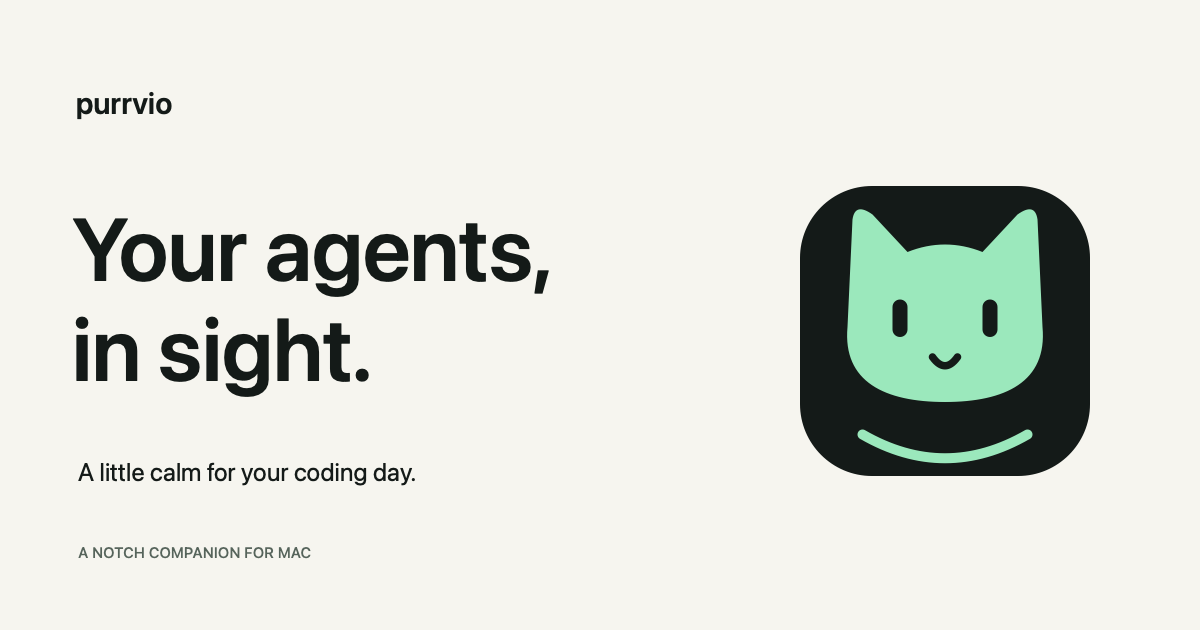
One little promise.
Purrvio is the quiet companion in your Mac’s notch that shows what your coding agents are doing and lets you know when they need you.
Write Purrvio in a sentence and purrvio in the wordmark. Say “PURR-vee-oh.” Describe it as “a notch companion for your coding agents.”
The quiet lookout.
Observant, composed, and helpful. The cat gives Purrvio a warm, recognizable face. The voice gives people clarity: name the agent, name the project, say what needs attention.
“Codex needs your input.”
“3 working. 1 needs you.”
“Right where you left off.”
A calm palette.
#141A18#F6F5EF#9BE8BC#F0B86CUse mint as the signature, amber for attention, and generous space around the mark. Pair state colors with words or symbols. Keep the face and proportions intact, and use the mark on a background with clear contrast.
Room to recognize it.
Keep clear space around the logo at least equal to one cat ear. Use the icon by itself at small sizes. Use the supplied PNG for the Mac app and the SVG for the web. The wordmark uses a system sans-serif stack; the landing page pairs it with a quiet editorial serif.
Download the voice and identity guide